








Get sales advice from our team 7 days a week
0871 244 0934Keep your device looking like new and free from germs with our simple guide on how to clean your phone. From removing stubborn smudges to clearing out charging ports, we show you the best ways to maintain your tech without causing damage.
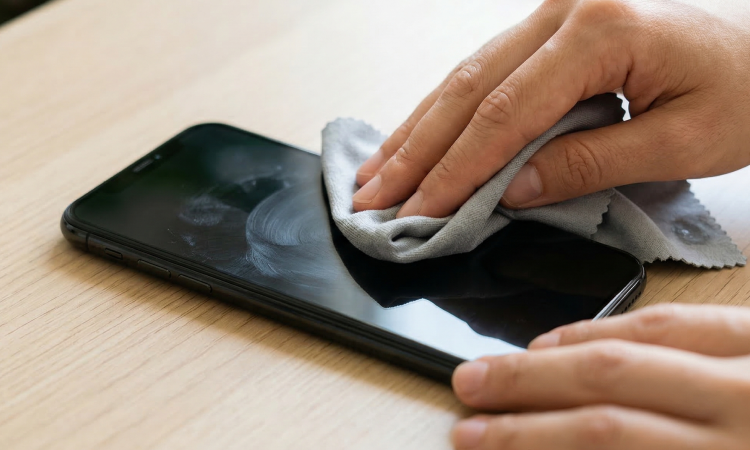
Start by switching off your device and removing any cables. Use a dry, lint-free microfibre cloth to gently wipe the glass in a circular motion. For tougher marks, dampen the corner of the cloth slightly with water—avoid spraying anything directly onto the screen. This method removes oils and fingerprints safely, keeping your display crisp and responsive for daily use.
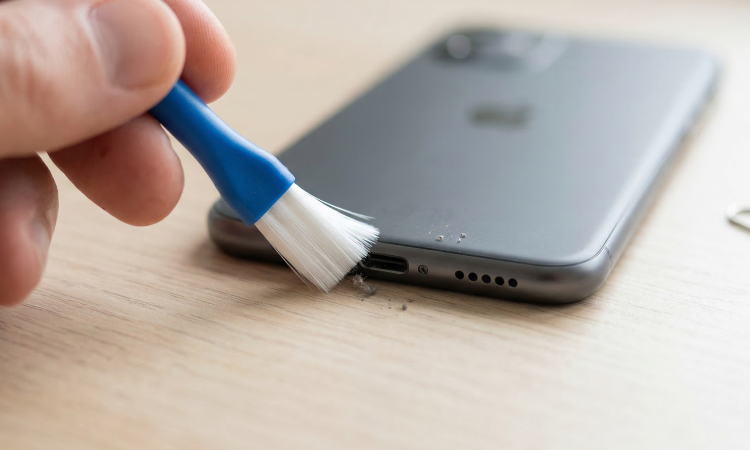
Dust and pocket lint often settle in charging ports, causing connection issues. Use a soft-bristled brush or a dedicated cleaning putty to lift debris out gently. Never use metal objects like paperclips, as these can damage the delicate internal pins. Keeping these areas clear helps your phone charge efficiently and ensures your speakers stay loud and clear.
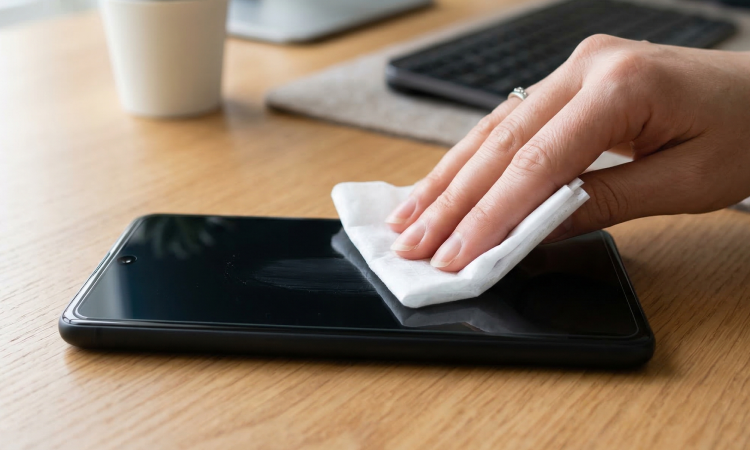
To kill bacteria, use a 70% isopropyl alcohol wipe or a specialised tech cleaning spray applied to a cloth. Avoid using harsh household bleach or window cleaners, as these strip away the protective coating on your screen. A quick daily wipe-down keeps your phone hygienic, which is vital since we handle our devices hundreds of times a day.
Explore our range of smartphones. Whether you’re looking for a cutting-edge flagship or a budget-friendly all-rounder, the range covers every need and price point.



